Pass the ATS test and land your dream job faster
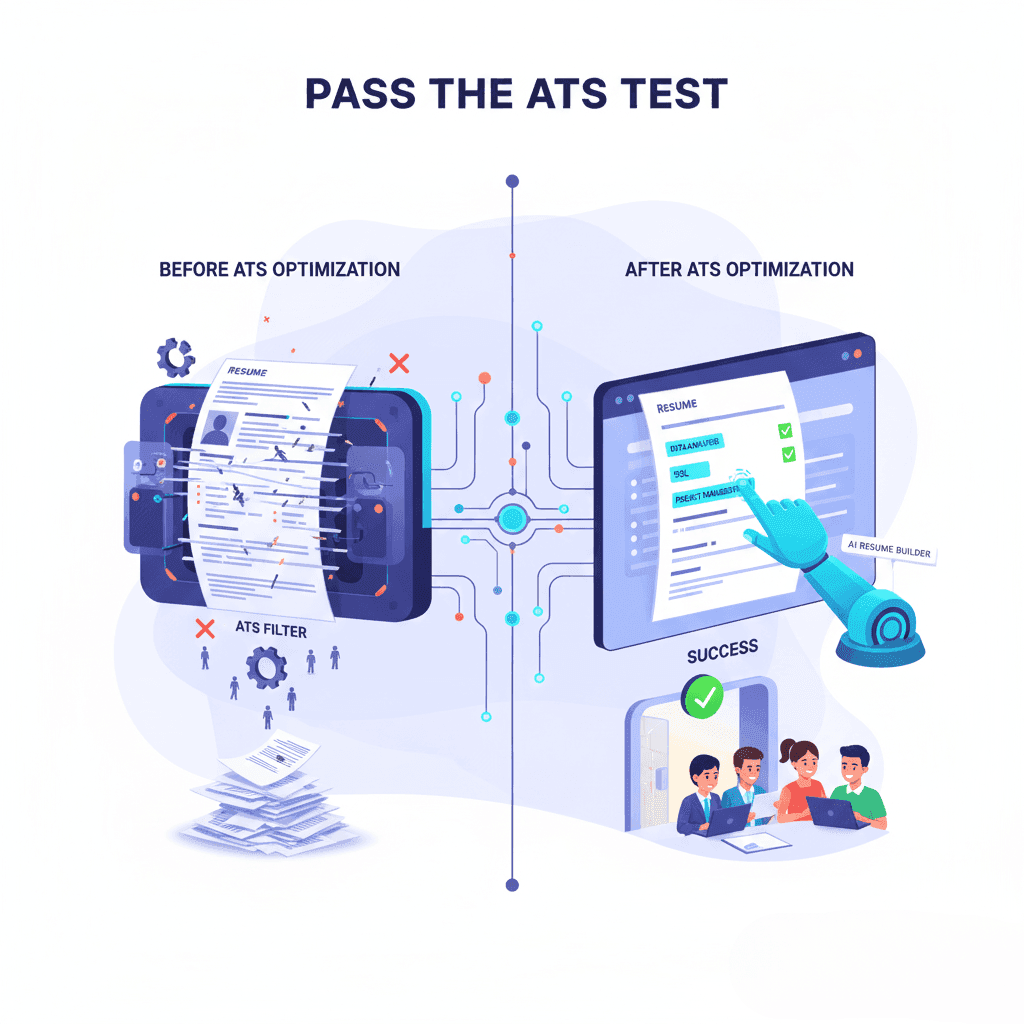
You might have applied for thousands of jobs but heard nothing back. No calls. No emails. Why? The truth is, your resume might be stuck in the Applicant Tracking System, getting filtered out before a real person ever sees it. What is ATS and why is it important?
ATS stands for Applicant Tracking System. It is a software use to manage all the resumes they receive. ATS helps recruiters filter and organize applicants so they can easily find best candidates for the job.
ATS is important because it saves recruiters time and effort. Instead of reading every resume, ATS scans them for keywords, skills, and job titles that match the job description. Resumes that match well get passed on to recruiters. Others may be filtered out.
How to make your resume ATS friendly
ATS software works like an initial reviewer. It looks for candidates who best match what the job needs, before a human even checks. Your success depends on speaking the ATS’s language keywords, formatting, and clarity.
Step 1: Understand the job description
- Find Keywords: Look for important skills, tools, qualifications, and action words used again and again.
- Use Exact Job Titles: Use the same job titles from the posting in your resume headline and summary. ATS gives better scores when titles match.
- Match Requirements: Align your resume’s skills and responsibilities with the job description, without copying blindly.
Step 2: Use keywords well
- Add keywords naturally in your summary, skills, and work experience.
- Use acronyms and full terms, like “Search Engine Optimization (SEO)”.
- Don’t overuse keywords — that can make your resume sound forced or spammy.
- ATS looks at how often you use keywords and where you place them.
Step 3: Keep formatting simple
- Use common fonts like Arial, Calibri, or Times New Roman.
- Don’t use tables, columns, graphics, or fancy borders.
- Use simple headers like Summary, Skills, Experience, Education.
- Avoid putting important info in headers or footers — ATS often skips those areas.
- Use bullet points to list achievements clearly.
Step 4: Submit the right file
- Most ATS work best with Word documents (.docx).
- PDFs can look nicer but sometimes ATS don’t read them correctly.
- Follow the application instructions carefully.
Step 5: Show your impact
- Use numbers and facts to show results: “Increased social media engagement by 40% in 6 months.”
- This shows you used skills well and helps both ATS and human readers.
Step 6: Tailor your resume each time
- Don’t send the same resume everywhere.
- Read the job ad again before applying.
- Change your skills and achievements to fit the role.
- Stay truthful but highlight what fits best.
Common ATS myths
- ATS doesn’t reject you just for missing keywords.
- There are no bots rating your resume — ATS just breaks down text.
- Humans make the final hiring decision.
- Fonts and colors don’t usually cause issues; complex graphics can.
- Some ATS are better than others; not all work the same.
Ready to pass the ATS test?
Firstresume.ai’s AI-powered resume builder helps you make a resume that works for both ATS and recruiters by:
- Finding the best keywords from job ads
- Formatting perfectly for ATS reading
- Writing achievement-focused bullet points
- Saving time with automatic optimizations
Stop waiting for random job interviews. Start applying strategically with Firstresume.ai to move closer to your dream job.